Play it from your keys.
C3 plays the first card, D3 the second. Hold the key, hold the chord. Works with any MIDI keyboard.
 join the waitlist
HEAT INDEX finds the progression in your key and your mood, plays it on a real guitar and drops the MIDI straight into your DAW.
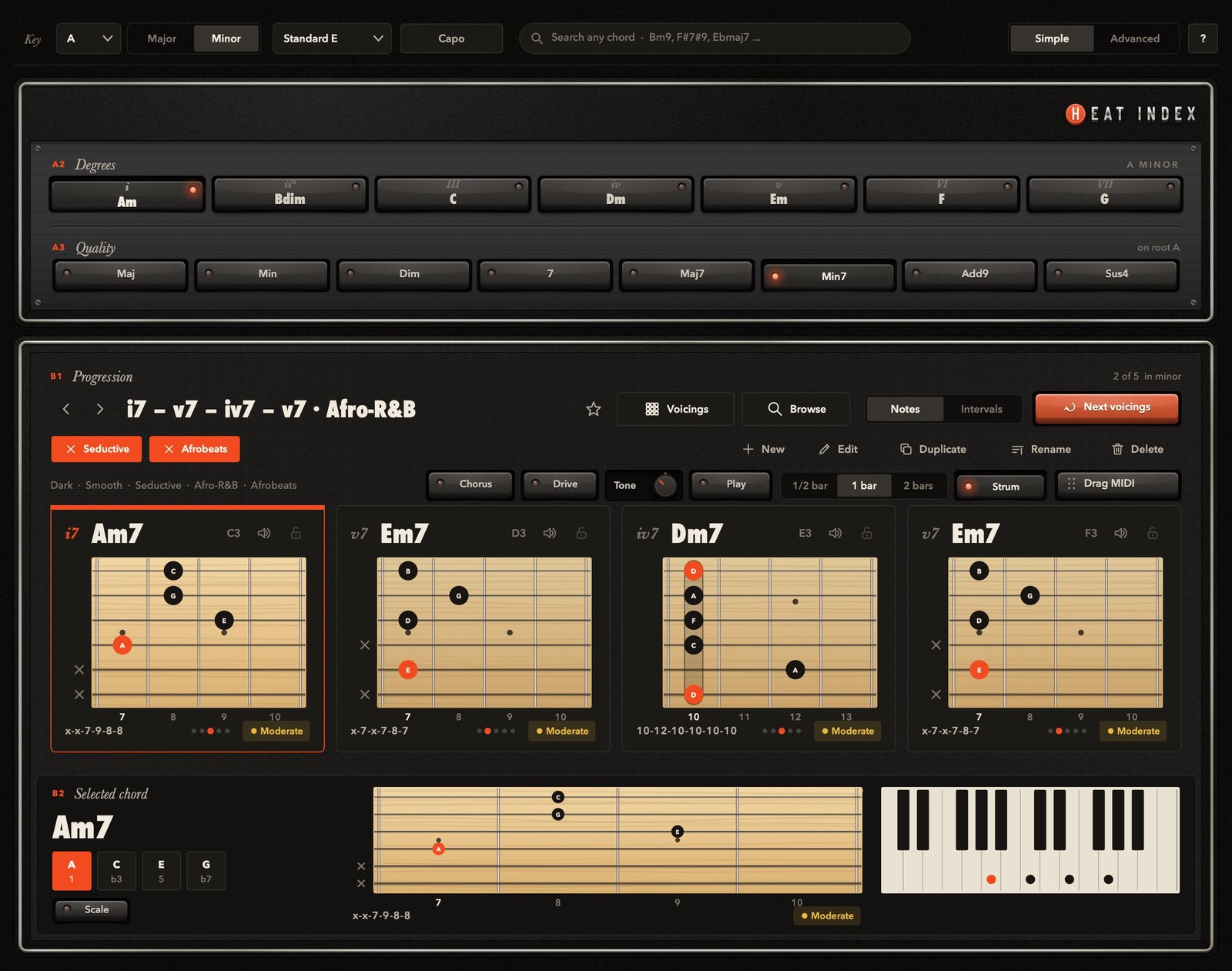
This is HEAT INDEX.
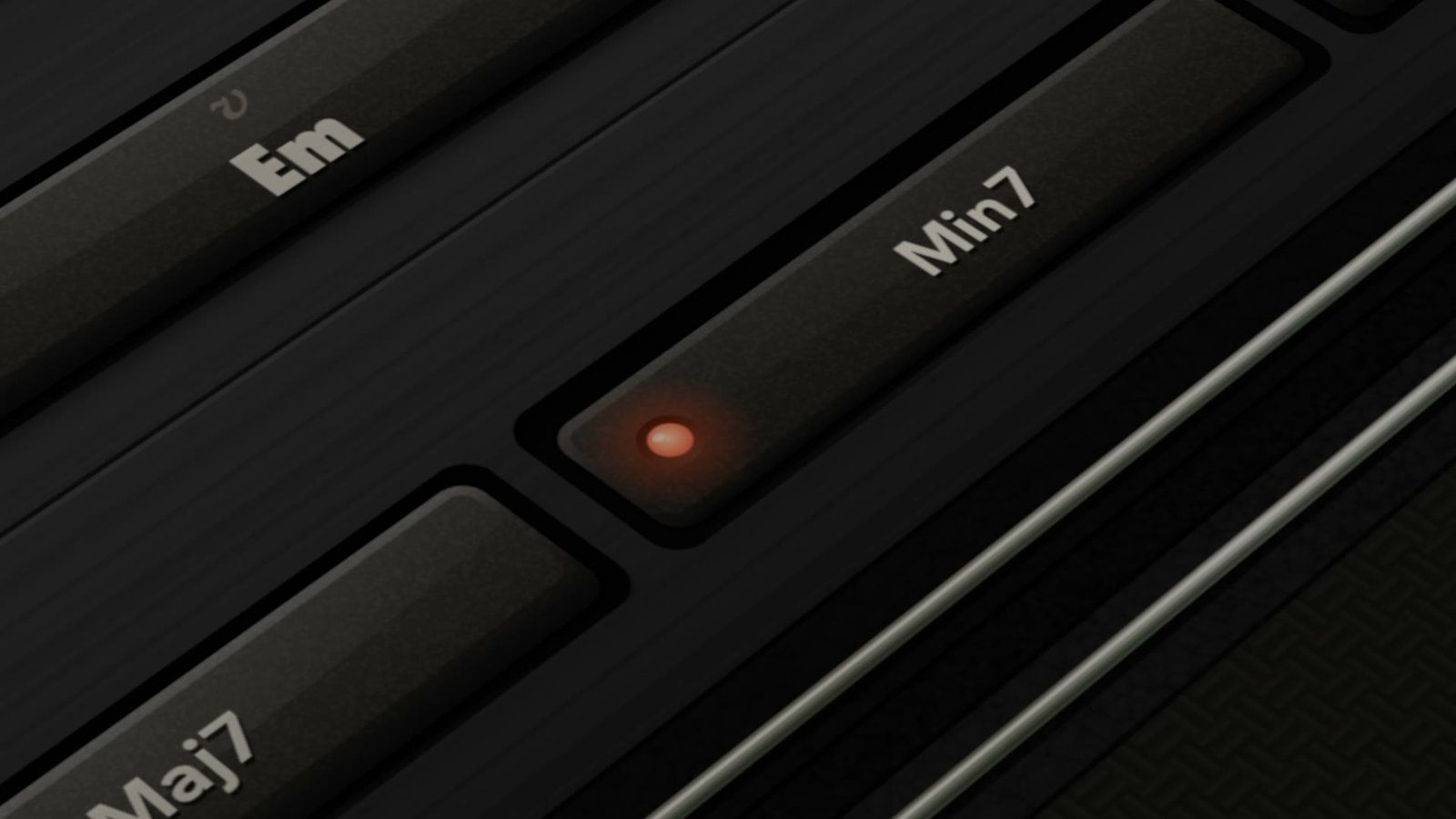
Every chord in A minor. One row.
Pick a mood: Seductive, Afro-R&B.
Four chords that fit. Real guitar shapes.
See every note. Play every note.
02 — how it works
Any root, major or minor. Everything else follows from there.
Seductive, dark, dreamy, then a genre. The library answers with progressions that fit.
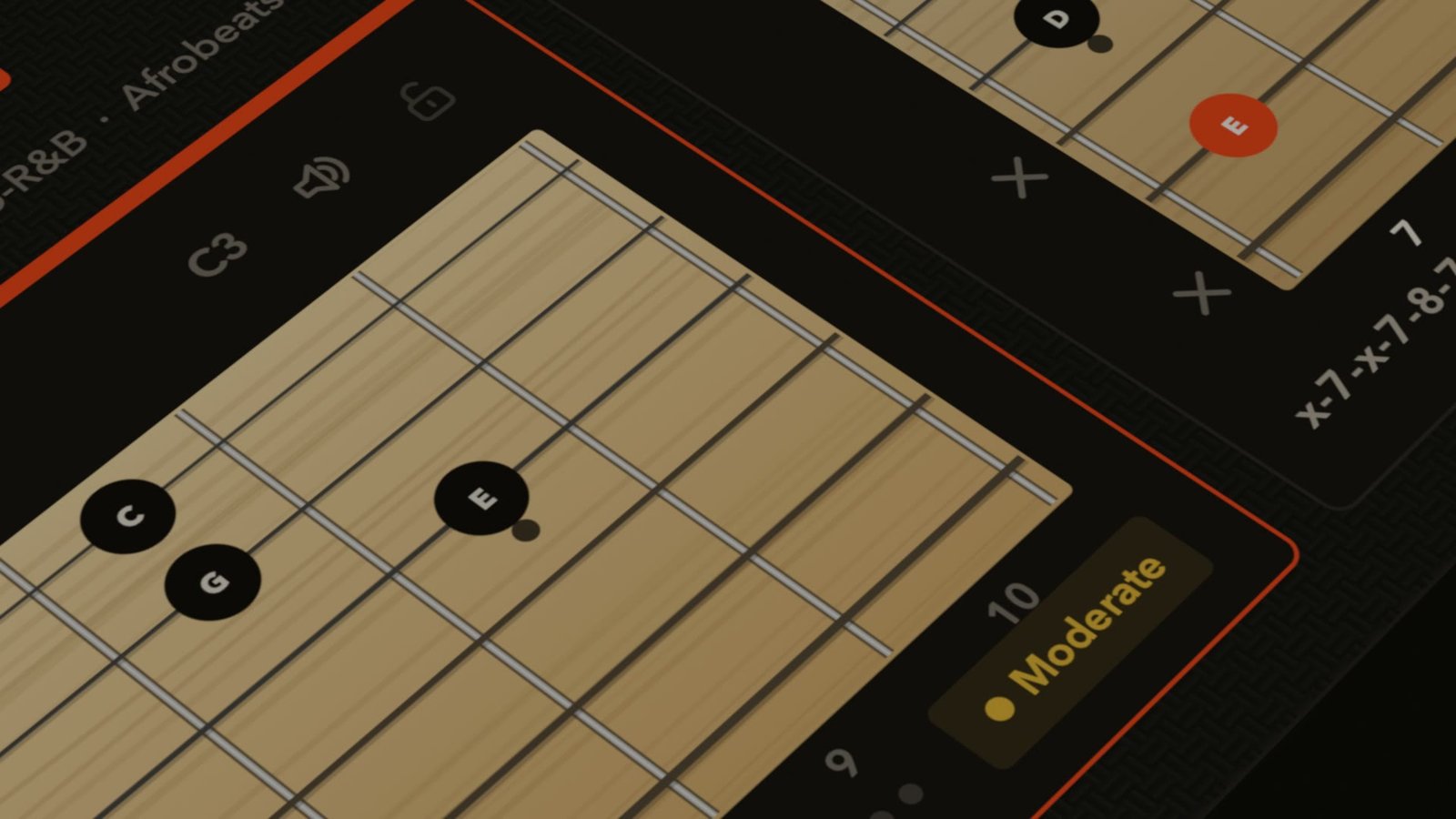
Every chord lands as a playable guitar shape. Click a card for the next voicing, on the neck and the keys at once.
The exact notes of your voicings, strummed or straight, half a bar to two bars per chord, onto your DAW's grid.
03 — songwriting
without
with heat index
The preview plays a real recorded guitar so you can judge the harmony in context. It is a reference, not a sample library: the MIDI is yours to play with your own sounds.
04 — new in v1
C3 plays the first card, D3 the second. Hold the key, hold the chord. Works with any MIDI keyboard.
Change the key and every voicing, edit and lock moves with you.
The scale on the fretboard, for your melodies and solos.
Finds the fret where your progression becomes open chords.
9ths, 11ths, 13ths and altered colours, one click from the chord you have.
in sync
Press Play and the progression loops on your DAW's bars and tempo, right over your drums. Swap cards by dragging, save the new order.
trailer
05 — pricing
$79 launch price $99
one-time purchase · 14-day free trial · free updates within v1
06 — questions
No. Pick a key and a mood, listen, click. When you want to know why it works, the degrees, note names, intervals and the piano are right there.
A MIDI clip with the exact notes of the voicings on your cards. Half a bar, one bar or two bars per chord, strummed low to high or played together. Drag a single card to get just that chord.
A real recorded guitar, so you can judge the harmony in context. It is a reference while you write, not a sample library. Chorus, drive and tone change the preview only, never the MIDI.
Yes. The white keys from C3 up play your cards in order: C3 the first card, D3 the second, and so on. The chord rings as long as you hold the key or the sustain pedal.
No. One purchase covers the plugin and the standalone app, with free updates within version 1.
macOS 11 or later (Apple Silicon and Intel, separate installers) or Windows 10 and 11. AU, VST3 and a standalone app are included. Activation needs an internet connection once.